

Shopify SEO: 30 Hacks to Rank Higher and Drive More Organic Traffic
22 March 2026
Anna P.
Here's the uncomfortable truth about Shopify SEO in 2026: most stores are losing organic traffic not because they're doing anything wrong, but because they're doing nothing at all. They set up a store, pick some keywords, and wait. Meanwhile, eCommerce and retail brands emerged as some of the biggest winners of Google's December 2025 Core Update — which means the opportunity is genuinely there for Shopify store owners who understand how the game has changed.
Google rolled out four confirmed algorithm updates in 2025 — core updates in March, June, and December, plus a spam update in August — each one reinforcing the same message: high-quality, user-first content wins; thin, keyword-stuffed, or AI-spun content loses.
The good news: Shopify SEO is more controllable than most store owners think. Go through these 30 implementable hacks — covering technical SEO, on-page optimization, content strategy, and structured data — built for where Google is in 2026.
Technical Search Engine Optimization Foundations
These are the non-negotiables — the structural fixes that determine whether Google can find, crawl, and trust your store. Get these right before touching anything else.
1. Verify your store in Google Search Console — before anything else
Everything in this guide depends on data, and Google Search Console is where that data lives. Connect your Shopify store to Google Search Console, submit your sitemap (Shopify generates one automatically at yourstore.com/sitemap.xml), and use the URL Inspection tool to verify Google can crawl your key pages. This is your SEO command center — it costs nothing and gives you direct line-of-sight into how Google sees your site.
2. Fix your canonical tag situation
Shopify creates duplicate content by default. A product that lives in two collections gets two URLs — yourstore.com/collections/shoes/products/sneaker and yourstore.com/products/sneaker — and both serve identical content. Google's guidance is clear: duplicate content wastes crawl budget and creates confusing signals for search engines.
Use rel="canonical" to point to the preferred URL. Shopify handles this automatically for product pages, but check that your Shopify theme isn't breaking it — particularly on paginated collection pages and filtered URLs. Use the URL Inspection tool in Search Console to verify.
3. Audit your Core Web Vitals — then fix the actual problems
Google's Core Web Vitals measure three things:
Largest Contentful Paint — page load performance, target under 2.5 seconds
Interaction to Next Paint — responsiveness, target under 200ms
Cumulative Layout Shift — visual stability, target under 0.1
Run your Shopify store through PageSpeed Insights (free) and check the Core Web Vitals report in Search Console. For most Shopify stores, the biggest culprits are uncompressed images, too many third-party app scripts loading on every page, and heavy theme code. Fix images first — it's the fastest win.
4. Compress and properly size every image
Oversized images are the number one page speed killer on most Shopify stores. A product image that's 4MB instead of 200KB adds multiple seconds to your LCP. Use WebP format where possible, compress everything before upload, and make sure image dimensions match where they're displayed — a thumbnail doesn't need to be 3000px wide. Shopify's native image handling helps, but it doesn't fully compensate for poorly optimized source files. An image optimization app or a manual compression workflow before upload makes a measurable difference.
5. Audit your installed Shopify apps — most add page bloat
Every Shopify app that renders on the front end adds JavaScript to your pages. Five to ten apps is common; twenty or more isn't unusual for stores that have been live for a while. Each one adds load time. Open your store in a browser, right-click, select View Page Source, and count the number of external scripts loading.
Then ask: "Which of these apps drive revenue, and which were installed for a feature you tried once?" Uninstall what you don't need. The page speed improvement can be immediate and significant.
6. Submit your sitemap to Google Search Console — and keep it clean
Shopify automatically generates a sitemap.xml file that contains links to all your products, primary product image, pages, collections, and blog posts — and automatically updates it when you add new content. Submit it in Search Console under Sitemaps. But also audit what's in it — if you have hundreds of out-of-stock products with no SEO value, or old pages that shouldn't be indexed, use noindex tags to keep Google's crawl budget focused on your highest-value pages.
7. Redirect broken links and fix 404 errors
Google Search Console's Pages report will show you URLs returning 404 errors. Every broken internal link is a wasted crawl and a dead end for users. Set up 301 redirects in the Shopify admin under Online Store → Navigation → URL Redirects for any product or page URLs that have changed. This preserves link equity and prevents users hitting dead ends from paid traffic or old backlinks.
8. Make sure Googlebot can access your key pages
Robots.txt issues block crawling silently — you won't notice until rankings drop. Use the URL Inspection tool in Search Console to render your most important pages and confirm Google sees them the way you intend. Per Google's technical SEO guidance: make sure that any resources — images, CSS files, pages — that Google is meant to crawl are not blocked by robots.txt rules and are accessible to an anonymous user. Blocked resources prevent Google from properly crawling your pages.
On-Page SEO for Shopify
Once the technical foundation is solid, the on-page SEO strategy is where you control what Google — and your customers — see on every individual page. Small changes here have an outsized impact on both rankings and click-through rate.
9. Write page title tags that match search intent — not just product names
The default title tag format on most Shopify stores is Product Name – Store Name. That's not wrong, but it's not doing much SEO work. A better format for product pages:
[Primary Keyword] | [Key Differentiator] – [Store Name]
For example, instead of "Classic White Sneakers – RunCo," try "Men's White Leather Sneakers — Free Shipping – RunCo." You have around 60 characters (although some strategists suggest using as many as 90). Use them to match what your target keywords actually look like in search.
10. Write unique meta descriptions for every product and collection page
Meta descriptions don't directly affect search engine rankings, but they directly affect click-through rate — which does affect your effective traffic. A well-written meta description that includes your primary keyword and a clear value proposition consistently outperforms the auto-generated snippet Google pulls. Write up to 200 characters, include the keyword (or two) naturally, and give the searcher a reason to click. Do this for every product and collection page, starting with your highest-traffic ones.
11. Fix duplicate meta descriptions across collection and product pages
Shopify stores frequently end up with identical meta descriptions across multiple pages — particularly collection pages that use the same template. Google Search Console will flag these. Each page that matters for SEO should have a unique meta description. It's tedious, but it's one of the clearest on-page SEO improvements available, and many stores haven't done it.
12. Use H1 tags correctly — one per page, keyword-inclusive
Your H1 is your page's primary signal to search engines about what the page covers. Shopify themes typically make the product title the H1 automatically. Make sure your product and collection page titles include your primary keyword naturally — not stuffed, but present. Check that you don't have multiple H1 tags on a page, which is a common issue with heavily customized themes.
13. Write original, detailed product descriptions — never use manufacturer copy
This is where most Shopify dropshipping and wholesale stores lose significant SEO ground. When you copy product descriptions from a supplier or manufacturer, you're publishing content that already exists on dozens of other sites. Google's systems identify duplicate content and deprioritize it. Write original descriptions that describe the product in terms of how it helps the customer, include relevant keywords naturally, and answer the questions a buyer would have before purchasing. Aim for at least 200 words on key products.
14. Optimize collection page content — not just product pages
Collection pages are often the highest-traffic pages on a Shopify store and the most neglected for SEO. Many stores have a collection title, maybe a short description, and then products. Add 100–200 words of original, keyword-rich introductory copy above the product grid explaining what the collection contains and who it's for. This gives search engines substantive content to index and helps you rank for category-level search terms — which can be even higher-volume than individual product queries.
15. Use descriptive, keyword-rich image alt text
Google's SEO Starter Guide is explicit: put key information in text, not graphics. For images, alt text should describe what's shown. For product images, alt="women's waterproof hiking boots size 8" does more SEO work than alt="product-image-1" or leaving it blank. Go through your product catalog and update image alt text to describe the product with its primary keyword. This also improves accessibility, which aligns with what Google's systems reward.
16. Build a logical internal linking structure
Google uses internal links — alongside canonical tags, redirects, and sitemaps — to understand the relationship between pages on your site. Use internal links in product descriptions to point to related products or relevant collection pages. Link from blog posts to relevant product and collection pages. Link from collection pages to related collections. A well-linked site structure helps Google discover pages, understand their relevance, and distribute authority across your most important pages.
Keyword Strategy for Shopify Stores
Many Shopify stores target the wrong keywords — too broad, too competitive, or not mapped to how customers search in real life. These hacks fix that, starting with what you already have.
17. Start keyword research with a seed keyword — then go long-tail
"Running shoes" has enormous search volume and is dominated by Nike, Adidas, and major retailers. A seed keyword approach works better: start with a broad term, use Google's autocomplete, and People Also Ask to find how real customers phrase their searches, then target long-tail keywords like "best running shoes for flat feet women" or "lightweight trail running shoes under $100." Long-tail keywords have lower search volume but significantly higher conversion intent.
18. Use Google Search Console to find keywords you already rank for — then improve
Your Google Search Console account shows you exactly which search terms are driving impressions and clicks. Sort by impressions, filter for queries where you're ranking in positions 5–20, and you've found your quickest wins. These are keywords where Google already thinks your page is relevant — you just need to strengthen the page to push it into the top five. Update the title tag, add more detailed content, and improve internal links pointing to it. This is faster than targeting new keywords from scratch.
19. Map one primary keyword to each page — no exceptions
The most common on-page SEO mistake on Shopify stores: multiple pages competing for the same keyword. If two product pages both target "leather wallet men," they split Google's attention and neither ranks as well as one well-optimized page would. Audit your keyword targeting and make sure each meaningful keyword is assigned to one page. Use redirects or canonical tags to consolidate if necessary.
20. Target informational keywords with blog content
Shopify's built-in blog feature is underused by many store owners. Informational keywords — "how to clean leather boots," "what size yoga mat do I need," "best gifts for coffee lovers" — are high-volume, low-competition opportunities that product pages can't capture. Blog posts targeting these queries bring in top-of-funnel organic traffic from people who aren't ready to buy yet but will be. Add an internal link from each blog post to the relevant product or collection page. This is how organic traffic compounds over time.
Read more: Sales Funnel: What It Is, How It Works & Stages (2026 Mega Guide)
21. Check Google Trends before investing in new content
Before writing a blog post or creating a new collection page targeting a keyword, run it through Google Trends to confirm the search volume trend. A keyword that was high-volume two years ago and is declining isn't worth your time. A rising trend in a niche you already serve is an opportunity. This takes two minutes and prevents wasted effort on content for searches that are disappearing.
Structured Data and Rich Results
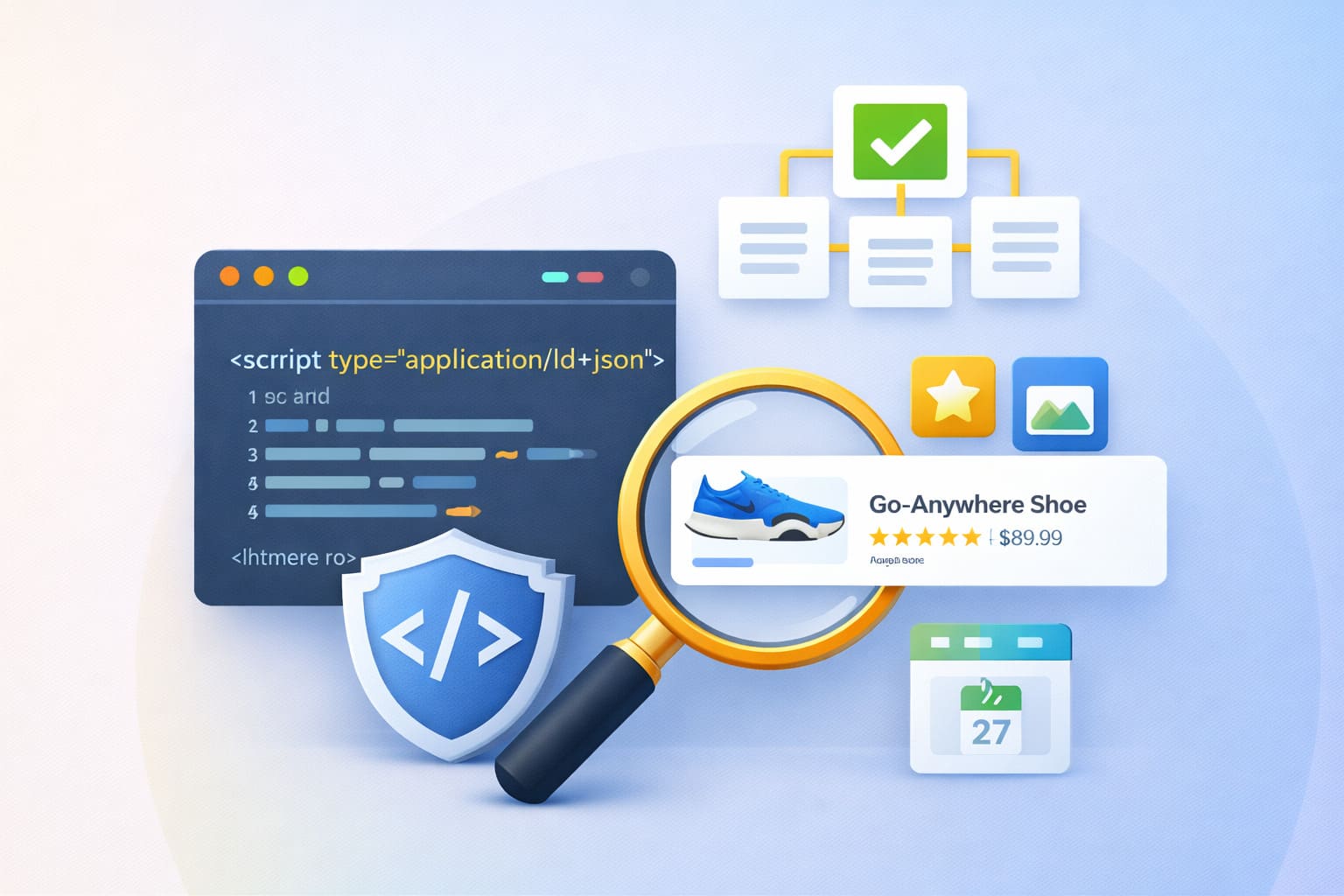
Structured data is the layer of code that tells Google explicitly what your page contains — product name, price, availability, reviews. Get it right, and your listings stand out in search results with stars, prices, and rich details that bear blue links can't match.
22. Add product structured data to every product page
Adding product structured data to your pages can attract potential buyers while they're searching for items on Google — enabling price, availability, and review stars to appear in search engine results. Shopify themes include basic product structured data by default, but it's worth validating with Google's Rich Results Test (free) to confirm it's complete and error-free. Missing fields — particularly price, availability, and priceCurrency — prevent the rich result from displaying.
23. Add review schema to your product pages
Review stars in search results consistently improve click-through rate. If you're using a review app like Okendo, Judge.me, or Yotpo, check whether it's outputting proper review schema markup. Validate with the Rich Results Test. If your review app isn't generating valid schema, your review scores aren't showing up in search results — even if you have hundreds of reviews on the page.
24. Set up Google Merchant Center and connect your product feed
Google Merchant Center powers Google Shopping — the product listings that appear with images and prices at the top of search results for product queries. Connect your Shopify store to Google Merchant Center via the Google & YouTube channel app in the Shopify admin. This makes your products eligible to appear in Shopping results and Google's free product listings, which cost nothing and drive incremental organic traffic separate from paid shopping ads.
25. Use BreadcrumbList structured data for site navigation
Breadcrumb structured data tells Google the hierarchy of your pages — Home → Collection → Product — and can display that hierarchy in search results, replacing the raw URL. Most Shopify themes include this automatically, but verify it's working with the Rich Results Test. Breadcrumbs in search results improve how your listing looks and signal clear site structure to Google's crawlers.
Content and E-E-A-T in 2026
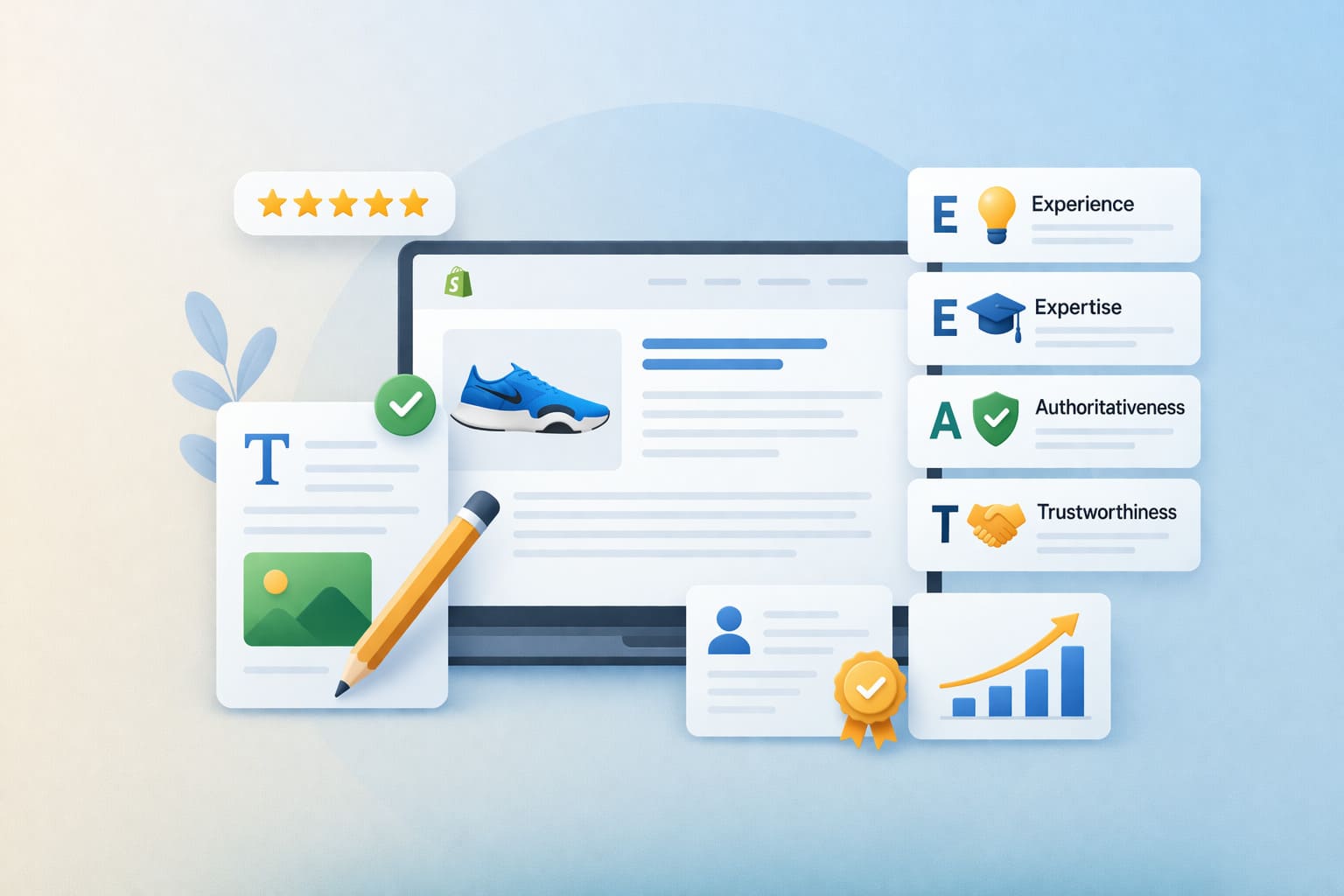
After Google's four 2025 algorithm updates, content quality is the clearest signal separating stores that rank from stores that don't. Here's what that means practically in 2026.
26. Understand what Google's 2025 updates penalized
The December 2025 Core Update focused on rewarding high-quality, original content while reducing visibility for thin, outdated, or overly optimized pages. The update reinforced the shift toward user engagement metrics as ranking signals.
What this means practically: pages written for search engines rather than customers — stuffed with keywords, thin on real information, structured around ranking rather than helping — are being systematically deprioritized. Every piece of content you create in 2026 should answer a real question a real customer has, better than any competing page.
27. Update old content
Google's core update guidance is also explicit on this one: focus on making changes that make sense for your users and are sustainable in the long term. Deleting content is a last resort — if you're considering deleting entire sections of your site, that's likely a sign those sections were created for search engines first, and not people.
Before writing new blog posts, audit existing ones. A post from 2022 with outdated information that still gets impressions is a candidate for a substantial update rather than a new post on the same topic. Updated content often recovers rankings faster than new content earns them.
28. Write product descriptions that answer pre-purchase questions
The most useful framework for product page content: imagine the five questions a customer would ask before buying this product. Answer all five in the description.
Sizing?
Materials?
What it works best for?
What it doesn't work for?
How does it compare to the obvious alternative?
A product page that genuinely answers buyer questions converts better and ranks better than one that describes what the product is without addressing why someone should buy it.
Read more: 20+ Ways to Boost Conversions + Tools
29. Build high-quality backlinks through genuine content partnerships
Backlinks remain a ranking signal — though the SEO community broadly agrees their weight has decreased compared to the early days of search. The most durable backlinks come from genuine relationships: getting featured in relevant roundups, contributing expert quotes to industry publications, creating data or resources that niche websites naturally want to reference.
For Shopify online store owners, this means identifying 10–20 relevant blogs or publications in your niche and finding genuine ways to add value for their audiences rather than chasing volume through low-quality link-building schemes, which the August 2025 spam update was designed to catch.
Speed, Conversion, and the Full SEO Picture
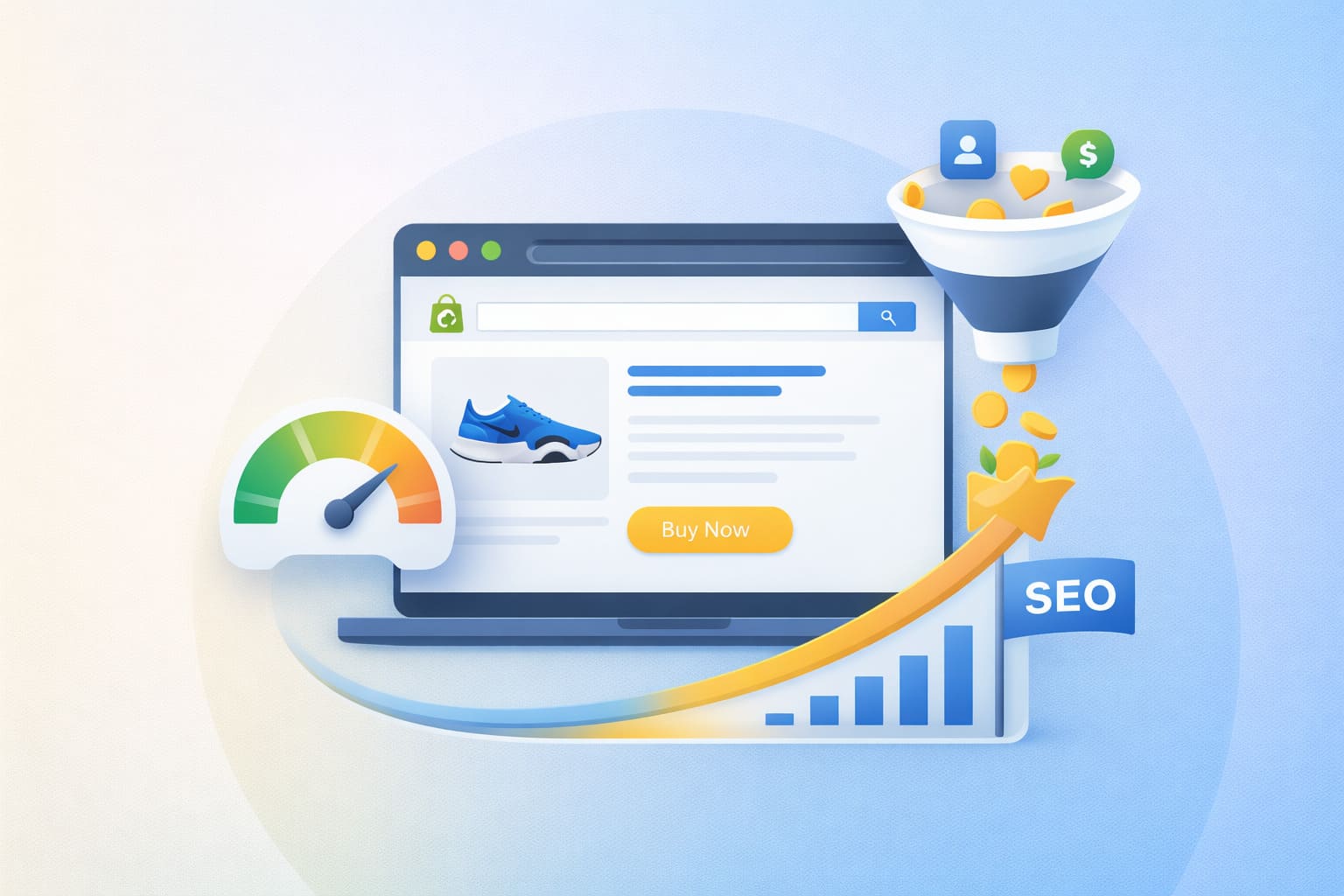
This last section ties everything together — because the stores winning at Shopify SEO in 2026 understand that search ranking is only half the job.
30. Recognize that SEO and conversion rate are the same problem
Here's the insight that ties everything together: Google's ranking systems increasingly reward pages that users engage with — time on page, low bounce rate, task completion. SEO analyst Glenn Gabe's analysis of the December 2025 Core Update put it: quality in Google's eyes isn't just about content — it includes the user experience, the advertising situation, and technical SEO problems, all together. Focusing only on content while ignoring how users experience your site means missing the bigger picture.
A product page that ranks on page one but converts at 1% is still a losing page — it gets clicks, delivers a poor experience, and signals to Google that users aren't finding what they need. A page that loads fast, communicates value clearly, has original content, and converts well is doing both jobs simultaneously.
This is the point where Shopify's standard architecture has a real limitation. A product page inside a general Shopify store is designed for browsing. A dedicated landing page — built specifically for the visitor arriving from a specific search query, with a focused message, fast load time, and a clear path to purchase — is designed for converting.
For Shopify stores running significant SEO traffic on key commercial terms, the difference in conversion rate between a standard product page and a purpose-built funnel page can be dramatic.
Funnelish's page infrastructure — sub-second load times, mobile-first design, and checkout flows built to minimize friction — addresses this gap. Organic search traffic is too expensive to acquire and too hard to earn to send to a page that isn't optimized to close it. The e-commerce stores that win at Shopify SEO in 2026 are the ones treating the post-click experience as seriously as the pre-click rankings.
Shopify SEO FAQs
Can you do SEO on Shopify?
Yes — fully. Shopify gives you control over page titles, meta descriptions, URLs, image alt text, canonical tags, structured data, and blog content. The platform generates sitemaps automatically and connects to Google Search Console. There are some structural limitations — particularly around URL structures and duplicate content from collection/product URL patterns — but these are manageable with proper configuration and don't prevent strong organic rankings.
What is the 80/20 rule for SEO?
In practice, 80% of your organic traffic will come from 20% of your pages — usually your top collection pages, a handful of high-ranking product pages, and your best-performing blog content. The 80/20 approach means identifying those pages via Google Search Console, investing in improving and protecting them, and using them as the internal linking hub for the rest of your store. Don't spread effort equally across every page — focus on what's already working first.
Which SEO tool is best for Shopify?
Google Search Console is the non-negotiable free baseline — it shows you what Google sees, what's ranking, and what's broken. Beyond that, Ahrefs, Semrush, and Moz are the industry standards for keyword research, backlink analysis, and site auditing. For Shopify-specific on-page SEO management, Plug In SEO and SEO Manager are the most-used apps in the Shopify app store.
Start with free tools — Google Search Console, Google's Rich Results Test, and PageSpeed Insights — before spending on paid plans.
Can ChatGPT do SEO?
AI tools, including ChatGPT, are useful for specific SEO tasks — generating title tag variations, drafting meta descriptions, outlining blog posts, and identifying keyword clusters. What they can't do is replace the strategic judgment of understanding your market, analyzing competitor gaps, or interpreting Search Console data.
The risk of using AI for full content production without human oversight is significant in 2026: Google's December 2025 Core Update reinforced that thin or low-value content — regardless of how it was produced — loses rankings.
Which is better for SEO, WordPress or Shopify?
WordPress offers more SEO flexibility — around URL structures, plugins like Yoast or Rank Math, and content management. Shopify is more constrained but more consistent — it handles a lot of technical SEO automatically and doesn't let bad theme decisions break fundamental SEO elements the way WordPress can.
For an eCommerce store where product catalog management and checkout are the priority, Shopify is the better starting point. For content-heavy sites where blogging and editorial SEO are the primary traffic strategy, WordPress has more native capabilities.
How much does Shopify SEO cost?
The fundamentals are free: Google Search Console, Google's Rich Results Test, PageSpeed Insights, and Shopify's built-in SEO settings cost nothing. Paid SEO tools (Ahrefs, Semrush, Moz) run $100–$450/month depending on plan. Shopify SEO apps range from free to $50/month. The main cost in Shopify SEO is time — writing original product descriptions, creating blog content, building backlinks, and maintaining technical hygiene is ongoing work.
For stores with budget, a focused SEO audit from an experienced practitioner typically runs $500–$2,000 as a one-time engagement and often surfaces the highest-impact fixes faster than months of self-directed effort.
Table of contents
Boost your eCommerce
sales today

24/7 support
No credit card required
Cancel anytime
24/7 support
No credit card required
Cancel anytime
