

Best Zapier Alternatives in 2026
30 March 2026
Anna P.
9 minutes
Zapier defined what workflow automation meant for a generation of businesses. Connect apps, set a trigger, define an action, watch it run. As an automation platform, the model is intuitive — and for years it was the go-to tool for automating repetitive tasks across multiple systems without custom coding.
The problems with Zapier in 2026 are structural rather than fundamental. Task-based pricing means a five-step workflow costs five tasks per run — making heavy users pay $49/month for what competing automation tools offer at $10–$20/month. The linear builder works for basic automation but becomes unwieldy for complex workflows with branching conditional logic.
Multi-step workflows that require advanced data manipulation or custom logic quickly hit both the platform's architectural limits and its task limits. And for eCommerce businesses specifically, Zapier was never designed to replace purpose-built automation — it was designed to connect apps that don't natively talk to each other.
The best Zapier alternative depends on what kind of workflow automation problem you're trying to solve. This list covers six options across the automation space, each genuinely better than Zapier for a specific use case — from non-technical users who need a no-code platform with a user-friendly interface, to developers who want complete control over their internal systems and custom workflows.
1. Funnelish
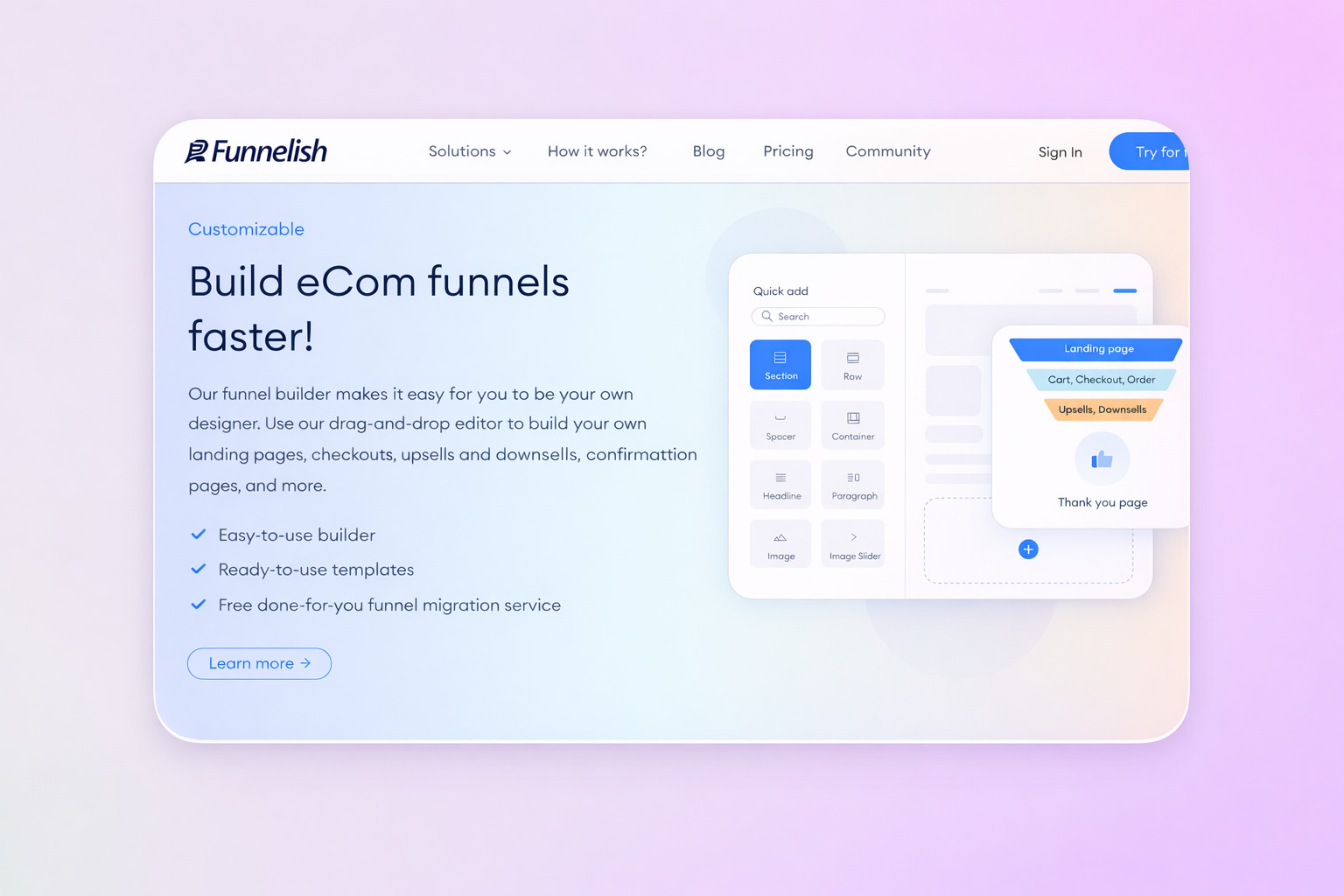
Best for: eCommerce businesses that want conversion, sync with their Shopify and WooCommerce fulfillment, and post-purchase automation built in — without stitching together automated workflows across multiple tools.
Most eCommerce businesses using Zapier are using it to solve problems that shouldn't exist in the first place. They're automating tasks like routing order data from their funnel to Shopify. They're triggering abandoned cart emails when someone drops off at checkout. They're syncing new customer data to their CRM. They're managing tasks across Google Sheets for their VA team. Each of these is a separate automated workflow, a separate potential point of failure, and a separate task counting toward a monthly limit.
Funnelish solves the eCommerce automation problem differently — not by connecting apps through an external workflow automation platform, but by making the automation native to the platform itself.
When a customer places an order through a Funnelish funnel, the order syncs directly to Shopify automatically. No external automation processes required. Advanced variant matching, inventory management, and order bundling happen without any integration platform sitting in the middle.
When a customer abandons checkout, the abandoned cart sequence fires from within Funnelish — email or SMS, through your existing autoresponder or Funnelish's built-in drag-and-drop editor. No trigger to configure across multiple systems. No action to map in a separate automation tool. It works because the checkout, the fulfillment sync, and the follow-up all live on one platform.
The post-purchase functionality is where Funnelish's built-in automation stands apart from any general-purpose workflow automation tool. A customer completes checkout and immediately sees a one-click post-purchase upsell — no re-entering payment details, no separate checkout flow. If they take the upsell, that order syncs to Shopify automatically. The entire sequence — landing page, checkout, upsell, fulfillment, follow-up — runs without a single external automation tool in the chain.
For WooCommerce and Shopify store owners, the sync is bidirectional: Funnelish handles conversion while Shopify handles fulfillment. The Zapier integration also exists natively in Funnelish for any downstream workflow that requires connecting to an external tool.
What you get without external automation tools:
Shopify orders sync with advanced variant matching and inventory management
Abandoned cart email and SMS sequences with a drag-and-drop email editor
Post-purchase one-click upsells and downsells built into the checkout flow
Automated order fulfillment to Shopify, ShipStation, and Google Sheets
Funnel-level analytics and performance breakdown without a separate reporting tool
Geo-funnels that display different content, prices, and payment methods by location — automatically
A/B testing and geo-split testing built into the page builder
Shared components that update across all funnel pages simultaneously — simplifying workflow creation for design and marketing teams managing large stores
For eCommerce sellers, this replaces a significant portion of what most Zapier accounts are used for. Instead of building smart workflows across five different tools with task limits and error handling to manage, the automation processes that drive revenue live in one place.
Pricing: 14-day free trial, no credit card required. Paid plans based on revenue processed.
If your Zapier use case is eCommerce automation — connecting your funnel to your fulfillment, your checkout to your email sequences, your orders to your operational tools — Funnelish replaces most of those automated workflows by making the automation native. The complex setup you'd otherwise stitch together across multiple tools and a Zapier account is already built in.
Try Funnelish free for 14 days →
2. Make
Best for: Teams that need complex automations with a visual workflow builder — no technical knowledge required.
Make is the most direct upgrade from Zapier for teams that have hit the limits of linear workflow creation. Its visual interface — a proper drag-and-drop canvas showing your entire workflow as a connected diagram — makes it one of the most popular automation tools for operations teams handling more complex workflows with branching logic, loops, and advanced data manipulation.
Make's drag-and-drop interface lets you build complex automations with full visibility over decision paths, data flows, and conditional logic in ways that Zapier's step-by-step builder makes difficult to manage. Where Zapier shows you one step at a time, Make shows you the entire automated workflow. For non-technical users managing multi-step workflows that would otherwise require custom coding in Zapier, Make's visual workflow builder is significantly more intuitive.
Error handling, custom logic, and advanced features like routers and iterators are built into the platform rather than gated behind a professional plan. And the cost difference is real: Make's Core plan costs $9/month for 10,000 operations — compared to Zapier Professional at $49/month for 2,000 tasks.
Pricing: Free plan available with 1,000 operations/month. Core plan at $9/month for 10,000 operations (billed annually).
3. n8n
Best for: Developers and technical teams who want full control, self-hosting, and unlimited workflows with no task limits.
n8n is the standout open-source automation tool in the market and the clearest choice for teams that need complete control over their data, infrastructure, and custom workflows. As a self-hosted, open-source Zapier alternative, it gives developers full control over internal systems — including sensitive data that shouldn't flow through third-party servers — with no per-task charges and unlimited workflows.
n8n supports 1,000+ integrations, including pre-built app connections, credential-only nodes, verified partner-built community nodes, and the ability to connect to any API via generic HTTP and GraphQL connectors. Custom coding via JavaScript is supported at any step, making it a genuine AI workflow builder and business process automation platform for teams with the technical knowledge to use it.
One thing that matters: n8n has a steep learning curve for non-technical users. Initial self-hosted setup takes 1–3 hours for someone comfortable with a command line and Linux basics. Community support is less reliable than paid customer support from Zapier or Make. But for teams that can handle the learning curve, n8n's combination of open source automation, unlimited workflows, and developer-level flexibility is unmatched in the automation space.
Pricing: Self-hosted is free. Cloud-hosted plans start at €20/month.
4. Microsoft Power Automate
Best for: Businesses running on the Microsoft stack who need deep integration with internal systems.
Power Automate is Microsoft's native workflow automation platform, and its core advantage is depth of access to Microsoft's internal systems — Office 365, Teams, Dynamics, SharePoint, Excel — without authentication overhead or integration workarounds. For teams managing business process automation across enterprise Microsoft tools, no third-party integration platform can fully replicate what Power Automate does natively.
The platform supports complex workflows, including conditional logic, approval flows, and robotic process automation for desktop tasks that web-based automation tools like Zapier can't touch. For teams already on Microsoft 365, Power Automate is included in many plans — making it one of the most cost-effective automation solutions for existing Microsoft users.
The limitation mirrors the advantage: Power Automate is strongest inside the Microsoft ecosystem. Connecting it to non-Microsoft tools and online services is possible, but requires more setup than general-purpose automation platforms.
Pricing: Included with many Microsoft 365 plans. Standalone plans from $15/user/month.
5. Activepieces
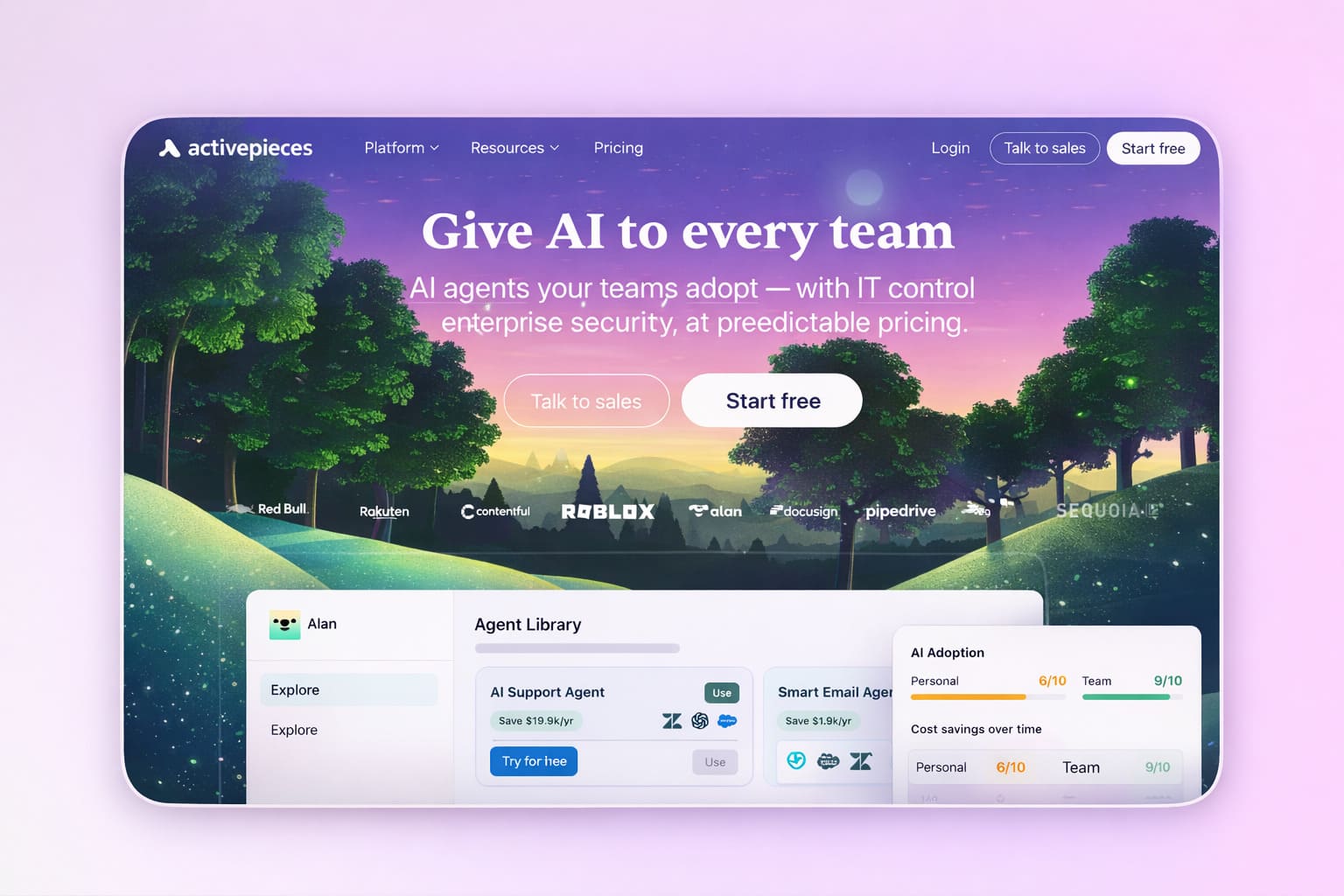
Best for: Open-source advocates and budget-sensitive teams wanting a growing, modern automation platform.
Activepieces is an open-source Zapier alternative with a clean, modern user interface closer to Make's visual builder than Zapier's linear list. The self-hosted version is free and genuinely capable, while the cloud version has a generous free plan.
As an open-source automation tool, Activepieces gives teams full control over their data and infrastructure — a meaningful advantage for businesses handling sensitive data or managing tasks that must remain within internal systems. The community-driven model means new integrations are added regularly, and the codebase is transparent in a way that proprietary automation solutions can't match.
For common use cases — webhook triggers, data transformation, CRM automation, notification routing — it covers the ground well. It's newer than Make or n8n and has a smaller integration library, but for teams whose automation projects involve standard tools and online services, Activepieces is increasingly capable.
Pricing: Free (self-hosted). Cloud plans are available with a free tier.
6. Google Apps Script
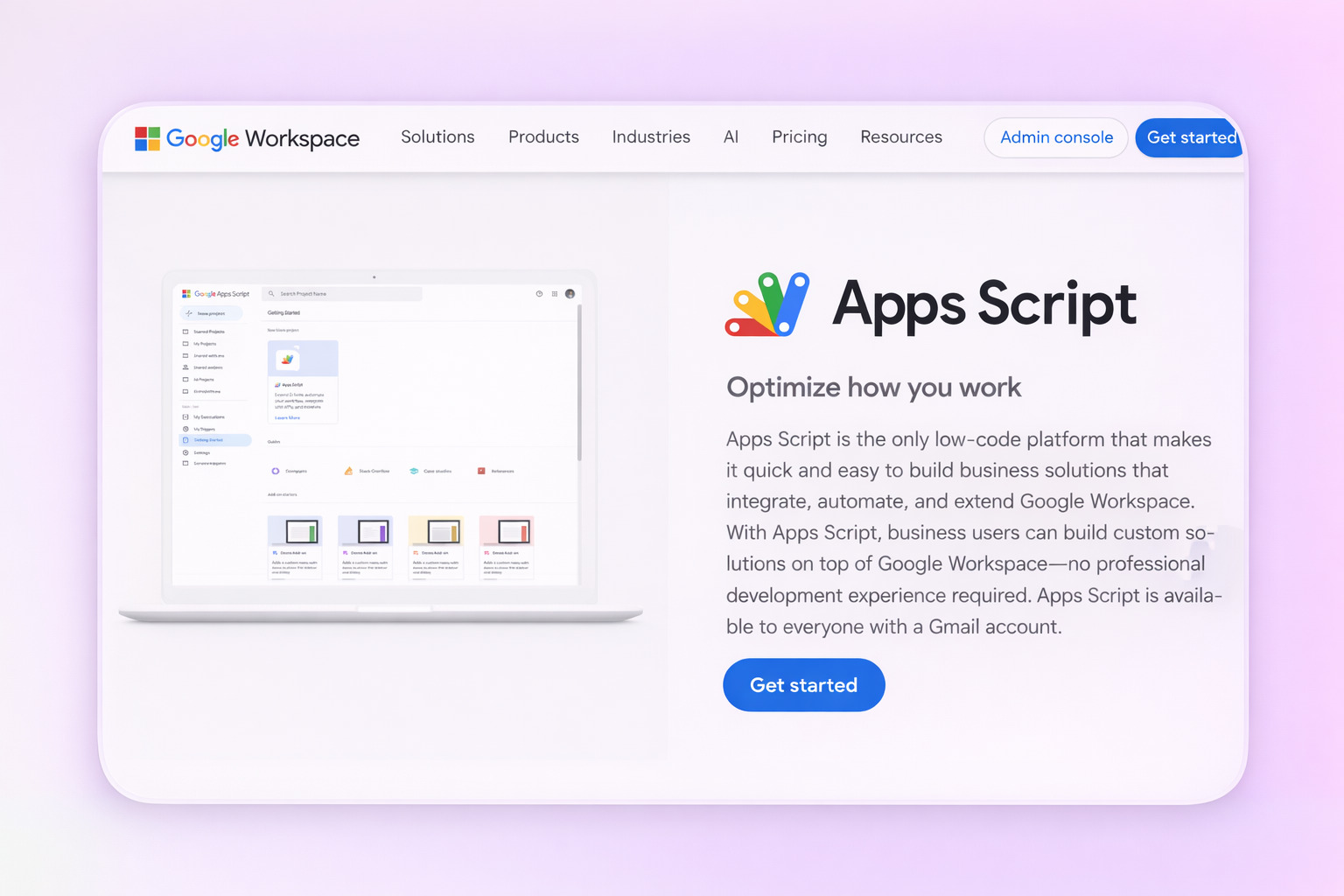
Best for: Google Workspace users who want free, deeply integrated automation across Google's internal tools without any third-party automation platform.
Google Apps Script is not a workflow automation platform in the traditional sense — it's a JavaScript-based scripting environment built into Google Workspace. But for teams whose automated workflows live entirely within Google Sheets, Gmail, Google Drive, Google Calendar, and Google Docs, it replaces a significant portion of what most Zapier accounts are used for within that ecosystem.
Scripts run on Google's infrastructure, can trigger on a schedule or by events, and have native access to every Google tool's API without the authentication overhead that any external integration platform requires. A script that monitors a Google Sheet for new rows, sends a Gmail notification, creates a Google Docs record, and logs the event back to a spreadsheet is free — with no task limits, no professional plan required, and no automation processes running through a third-party server.
The barrier is custom coding: Google Apps Script requires JavaScript knowledge, and there's no visual interface or drag-and-drop functionality. For non-technical users, it's not a realistic option. For teams with technical knowledge or a developer on hand, it can automate repetitive tasks and build custom workflows within the Google ecosystem at zero cost.
Pricing: Free — included with any Google account.
How to Choose the Right Zapier Alternative
The cleanest approach: start with your workflow type, not your budget.
If you're running an eCommerce business and your Zapier use case is connecting funnels to fulfillment, email sequences, and order management — Funnelish eliminates the need for external automation tools by making those automated workflows native to the platform.
If you need complex, visual multi-step workflows across many tools with no technical knowledge required — Make is the most intuitive upgrade from Zapier in the automation space.
If you're technical and want complete control over sensitive data, internal systems, and unlimited workflows with no task limits — n8n self-hosted is the most powerful open source automation tool available.
If your business process automation lives inside Microsoft — Power Automate is likely already available to you.
If you want an open-source automation platform with a modern user-friendly interface and a free plan — Activepieces.
If your team works inside Google Workspace and has technical knowledge — Google Apps Script costs nothing.
The worst outcome is reaching for a general-purpose workflow automation platform for a problem that a purpose-built solution already solves natively. For eCommerce businesses, that's usually where to start.
Table of contents
Boost your eCommerce
sales today

24/7 support
No credit card required
Cancel anytime
24/7 support
No credit card required
Cancel anytime
